


















Whether you’re just getting started on TikTok or you’re a seasoned scroller, keeping your digital world secure and positive should always be a priority.
Thankfully, TikTok is designed with a wide range of privacy controls and built-in safety tools that let you take charge of your online experience.
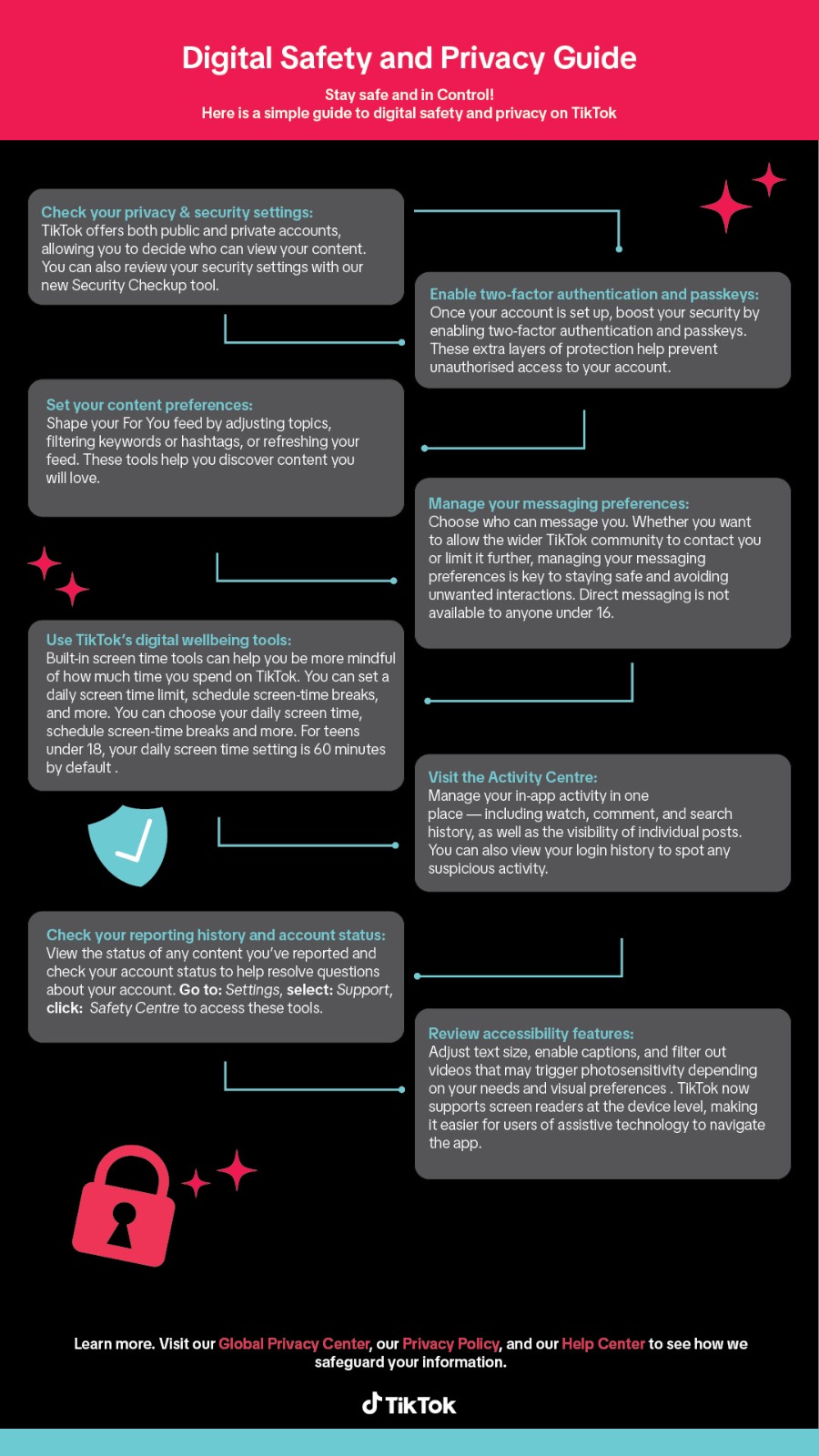
Here are eight essential features and settings that empower you to protect your account, set boundaries, and enjoy your favorite content with confidence:
- Take Charge of Your Privacy Settings
TikTok gives you the flexibility to choose between a public or private account, so you control who sees your content. You can also take a few moments to complete a Security Checkup — a handy tool to help you review and strengthen your account’s security settings. - Enable Two-Factor Authentication and Passkeys
Boost your account’s protection by turning on two-factor authentication and passkeys. These added security layers make it harder for unauthorized users to access your account, giving you peace of mind. - Curate Your Content Experience
You have the power to shape your For You feed. Adjust your content preferences by selecting topics of interest, filtering out specific keywords or hashtags, or even refreshing your feed entirely. These tools help keep your TikTok experience fun, relevant, and safe. - Customize Your Messaging Options
Decide who can reach out to you via Direct Messages. Whether you’re open to chatting with the broader TikTok community or prefer to keep things more private, you can tailor these settings to fit your comfort level. (Note: Messaging is automatically turned off for users under 16.) - Practice Digital Wellbeing
Stay mindful of your screen time with TikTok’s digital wellbeing tools. Set daily limits, schedule screen-time breaks, and access helpful prompts that encourage a balanced experience. These features are especially useful for maintaining healthy digital habits. - Use Accessibility Features
Make TikTok work for you with a range of accessibility options. Adjust text size, enable captions, and filter out videos that may trigger photosensitivity. TikTok also supports screen readers at the device level, making the platform more inclusive for all users. - Explore the Activity Centre
Get a full view of your in-app activity — from watch and search history to comments and post visibility. The Activity Centre also allows you to review your login history, helping you spot and report any suspicious behavior quickly. - Track Your Reporting and Account Status
Stay informed by checking the status of any content you’ve reported and your current account standing. Simply go to Settings > Support > Safety Centre to view reports, resolve issues, or get additional help if needed.
ALSO READ:
- By taking a few simple steps to personalize your settings and explore TikTok’s safety features, you can make your time on the app more secure, enjoyable, and tailored to your needs.
(Visited 6 times, 1 visits today)